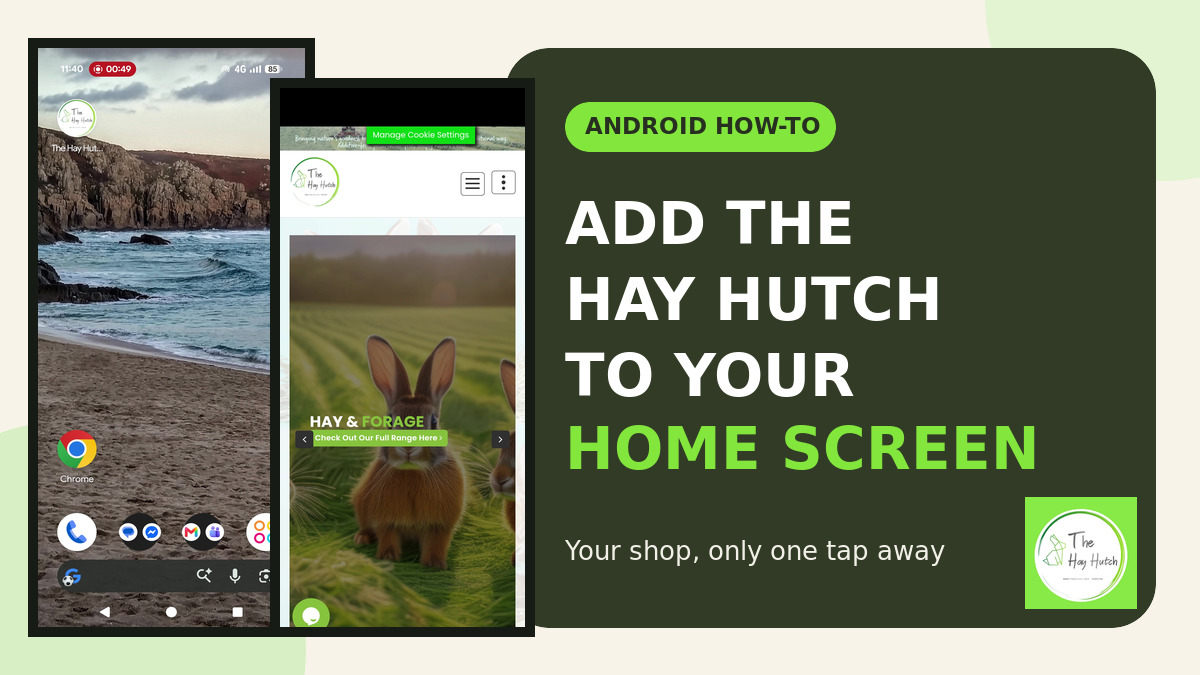
Add The Hay Hutch to Your Android Home Screen
Add The Hay Hutch to your Android home screen and keep our shop just one tap away. It only takes a few moments and creates a convenient icon that opens our website directly—perfect for quickly ordering hay, forage, treats, food and other small-pet essentials.
🔊 Turn your sound on before pressing play—the video includes a spoken step-by-step guide.
Why add The Hay Hutch to your home screen?
- Open The Hay Hutch with just one tap.
- No need to search for us or type the website address.
- Quickly reorder hay whenever your supplies are running low.
- Easily browse our hay, forage, treats, food, toys and accessories.
- Check our newest products and monthly special offers.
How to add The Hay Hutch to an Android home screen
- Open Google Chrome on your Android phone.
- Visit thehayhutch.co.uk.
- Tap the three dots in the top-right corner of Chrome.
- Select Install and create shortcut.
- Tap Install to confirm.
- Wait a moment while The Hay Hutch is added.
- Return to your home screen and find the new The Hay Hutch icon.
- Tap the icon whenever you want to visit our shop.
Please note: The wording may vary slightly depending on your phone and version of Chrome. You may see Add to Home screen or Install app instead.